What is an online booking system? A guide for businesses
What is an online booking system?
An online booking system lets customers book an appointment or reservation over the internet by picking an available slot, without calling. The booking lands in the business’s calendar immediately; the right staff member is notified and the customer gets a confirmation and reminders.
These systems apply to any business that manages time and capacity: studios, clinics, beauty salons, training providers, tour and transfer companies.
What a good booking system needs
- a mobile-friendly booking page available 24/7
- available hours, breaks and capacity per staff member or resource
- a real-time calendar with conflict checks
- automatic confirmations, reminders and change notices (e-mail, SMS or push)
- optional online prepayment or deposit
- customer records, booking history and notes
- reporting on cancellations, reschedules and no-shows
- a link to cash and accounting records
Booking system versus operations system
A simple booking tool fills the calendar. An operations system also manages what happens after the booking: who does the job, transfer needs, deposits taken, remaining balance, commissions and the end-of-day cash register. If a booking triggers several teams and money flows in your business, keeping booking and operations in one system reduces copying and errors.
Off-the-shelf tool or custom software?
For a single-location business with standard services, an off-the-shelf booking tool is usually enough. A custom or industry-specific system fits better when:
- there are several branches and staff groups
- extra resources such as transfers, equipment or rooms are tied to bookings
- commissions, bonuses and multi-currency cash accounts are needed
- booking data has to flow into your existing accounting or CRM system
A real example: online booking in Tattoonets
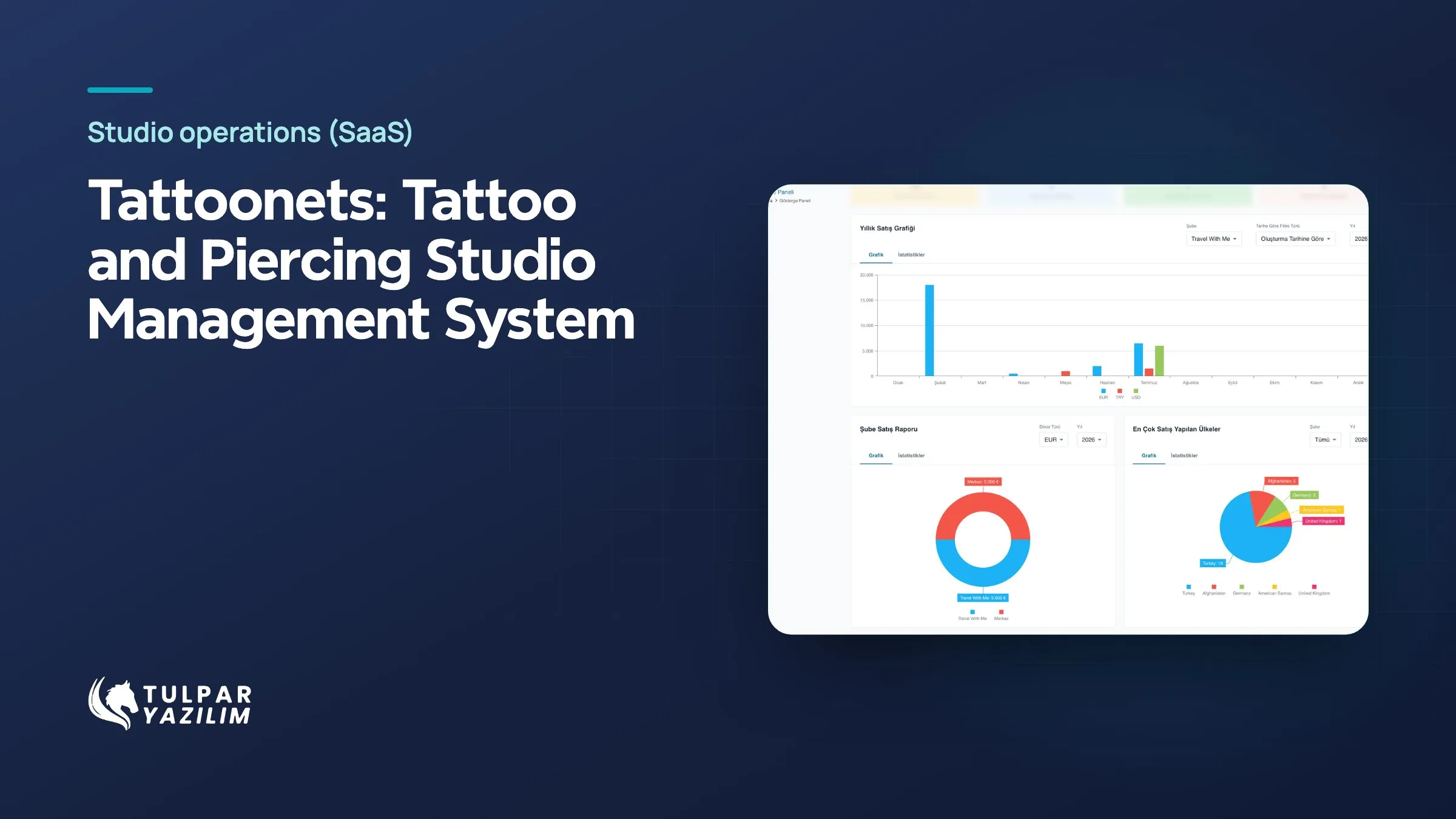
In Tattoonets, built by Tulpar, each studio has an online booking page available 24/7. When a customer picks a slot, the ticket lands in the panel and the artist’s calendar updates. Available hours and capacity are set per artist; confirmations, reminders and change notices go out automatically. Online deposits and reference images are supported. The booking then moves through AI-assisted artist assignment, transfers, cash and commissions in the same system.
Where to start
Write out your booking process end to end: where the customer comes from, who confirms, who does the job and when payment is taken. If the flow ends on one screen, an off-the-shelf tool is enough; if it affects several teams and financial records, an integrated system is the better investment.