What is ERP? Choosing and integrating ERP for SMEs
What is ERP?
ERP (Enterprise Resource Planning) is software that runs a business’s core processes, such as stock, purchasing, sales, production, accounting and HR, on a shared database. Its value comes from these processes feeding each other: a sold product leaves stock, gets invoiced, its payment is posted to the customer account and it shows up in the management report.
An ERP typically includes:
- stock and warehouse management
- purchasing and supplier management
- sales, quotes and orders
- bookkeeping and finance: accounts, cash, bank, cheques and promissory notes
- e-invoice and e-archive integration
- staff and payroll
- reporting and management dashboards
ERP versus bookkeeping software
Bookkeeping software focuses on income and expenses, invoices, accounts and stock, and is often enough for small businesses. ERP adds purchasing, production, warehouse and HR to the same structure. For a growing business, the challenge is moving from bookkeeping to ERP without losing data or working habits.
What SMEs should weigh when choosing ERP
- Process fit: does the ERP fit your workflow, or will you have to fit it? List where adaptation is needed.
- Integration: how will it talk to your online store, CRM, bank and e-invoice provider?
- Usability: can field and office users really use it, and do they need mobile access?
- Data migration: how will existing accounts, stock and transactions move over, and how will they be validated?
- Total cost: weigh licences, customisation, training and maintenance together.
Off-the-shelf ERP or custom development?
Products such as Logo, SAP or Odoo offer mature modules. Industry-specific steps (bookings, transfers, field collections, commissions) and custom reports, however, often need customisation or extra development. A common approach is to use an off-the-shelf ERP as the core and complete the missing workflows with custom modules and integrations. If your processes are far from standard, a fully custom system can be simpler and more sustainable.
e-Invoice and e-archive integration
In Türkiye, e-invoice and e-archive invoice processes run on the infrastructure of the Revenue Administration (GİB), and applications usually connect through an authorised integrator. Integration automates creating and sending invoices, receiving incoming ones and tracking their status, so invoice data is not re-keyed into accounting and customer records. Which businesses must use which document is set by regulation and can change over time; confirm current obligations with your accountant.
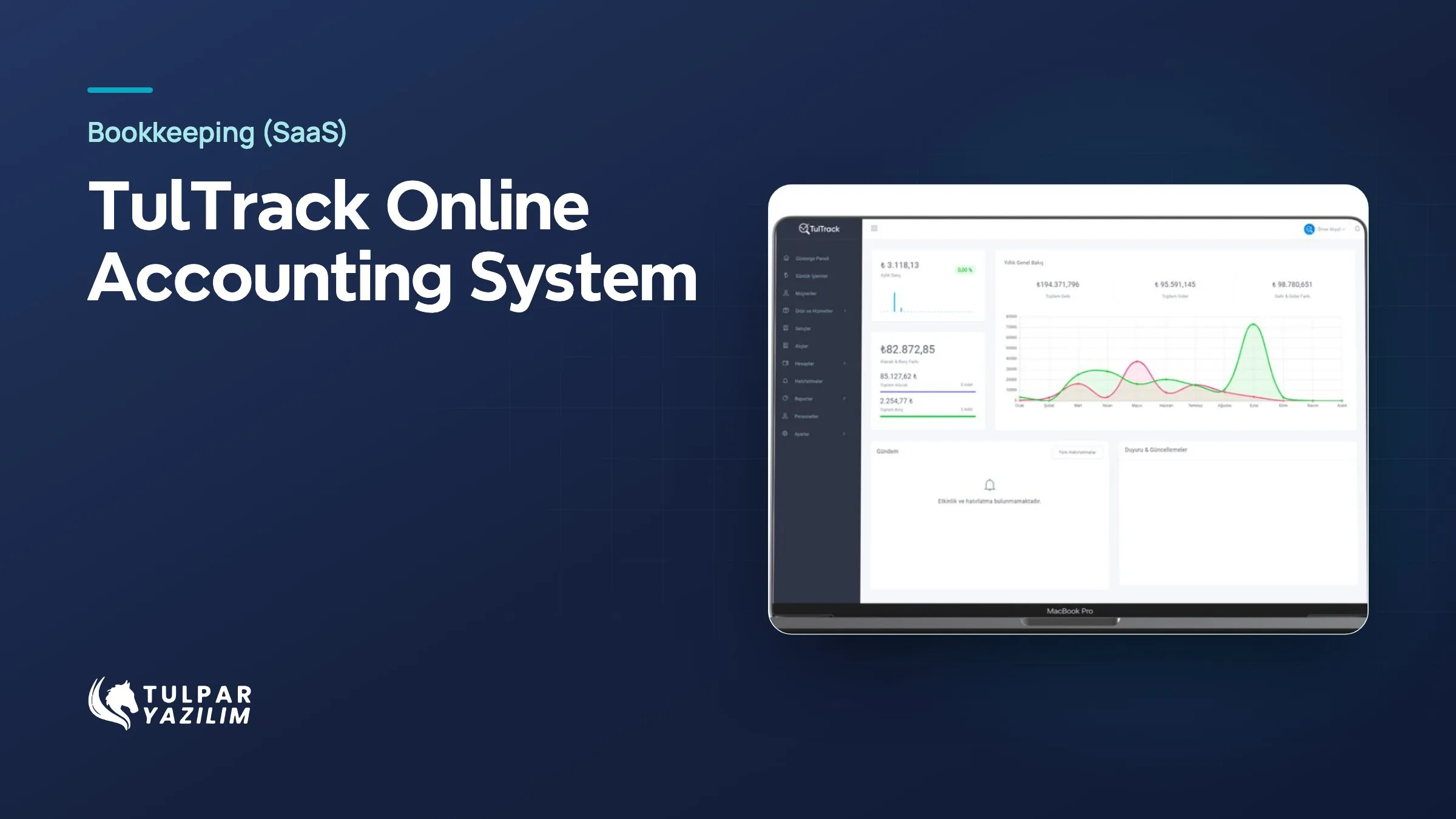
TulTrack, built by Tulpar, brought customer and supplier accounts, invoicing, stock, cheques and e-invoice/e-archive integration into one product.
Where to start
Identify the process with the most manual work and errors: stock counts, invoice entry, account reconciliation or reporting. Starting the ERP project there shows value early and helps teams get used to the system.