What is AI? How businesses add AI to their applications
What is AI?
Artificial intelligence is the ability of computer systems to carry out tasks associated with human intelligence, such as learning, understanding language, classifying and supporting decisions. The type most discussed today is the large language model (LLM), such as ChatGPT, Gemini and Claude. These models are trained on very large amounts of text; they can answer questions, summarise, extract information from documents and draft content.
What matters for a business is this: the models can be used on their own as chat tools, but they can also be connected to the business’s own applications through APIs. AI then becomes an assistant working inside the screens teams use every day.
What businesses use AI for
- Recommendations and automatic assignment: routing a request, ticket or task to the right person based on expertise and workload.
- Classification: sorting incoming e-mails, complaints and messages by topic and urgency.
- Document processing: extracting fields from invoices, forms and contracts into structured data.
- In-app assistants and chatbots: letting users ask questions about application data in natural language, and giving customers instant answers to common questions.
- Reporting support: summarising trends and anomalies in operational data for managers.
Connecting ChatGPT or Gemini to your own application
Adding a language model to an application is more than dropping in a chat window. A sound integration covers these steps together:
- Clarify the use case: in which workflow, for which user, speeding up which decision?
- Connect the data: the model only reaches data the user is authorised to see, and role and permission rules stay in place.
- Human approval: for critical decisions the model suggests and an authorised user approves.
- Privacy: define which data is processed for which purpose, and handle personal data within KVKK obligations.
- Measurement: track indicators such as suggestion acceptance rate, task time and error rate.
A real example: AI-assisted ticket assignment
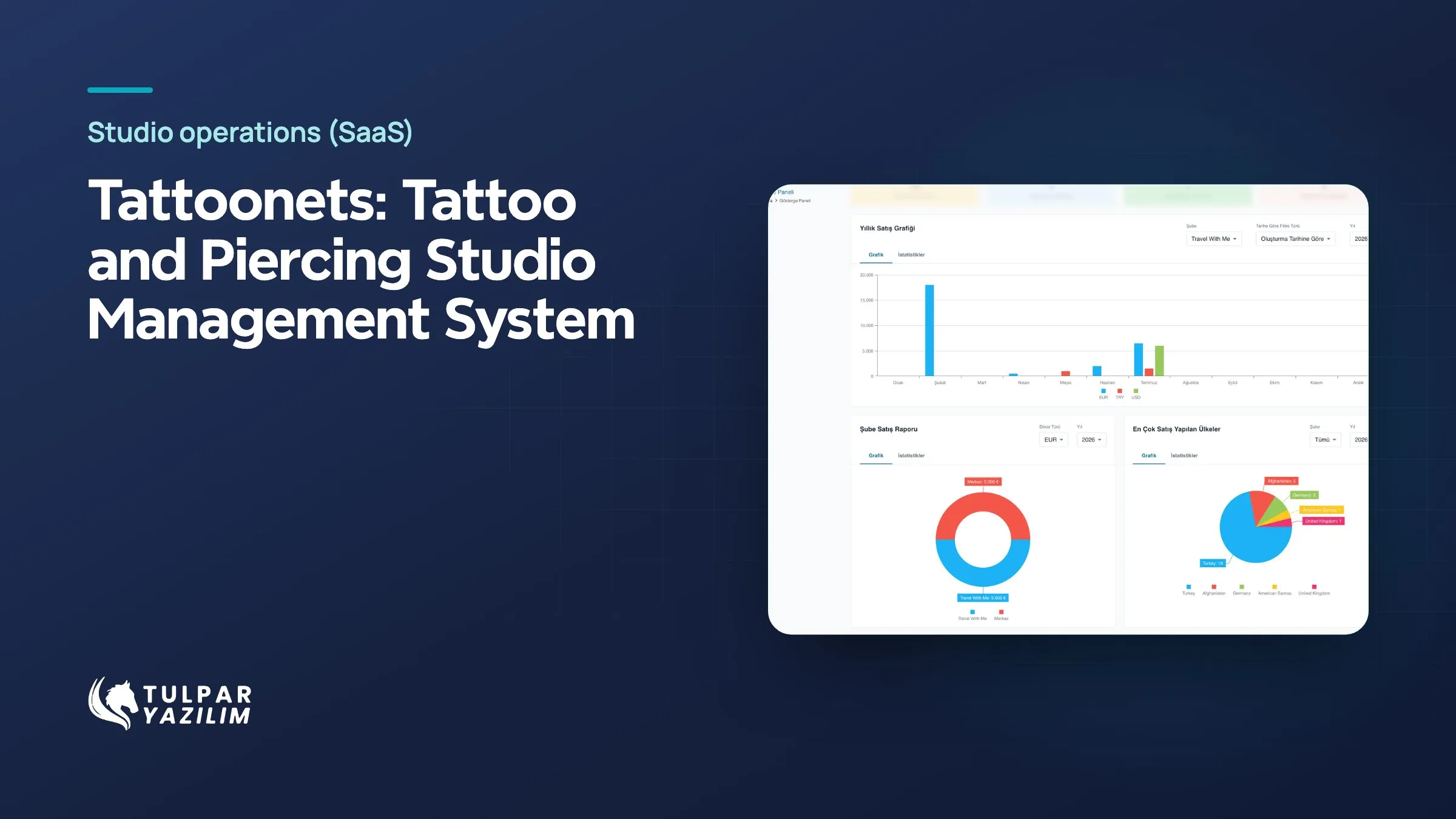
In Tattoonets, built by Tulpar, the AI weighs each incoming ticket’s type, style preference, the artist’s expertise, calendar load and the customer’s previous artist, and suggests the best artist. The manager approves or changes the suggestion, and corrections feed into later suggestions.
Where to start
Pick a repetitive workflow that costs the most time. Clarify the data that feeds it and who makes the decision. Starting with a limited pilot and extending it based on user feedback is the safest way to see the value of an AI investment.